Vaxstation 2000 System Guide
Order Number: EK-V2000-SG
This document serves as the comprehensive installation and operation manual for the VAXstation 2000 workstation.
Key sections include:
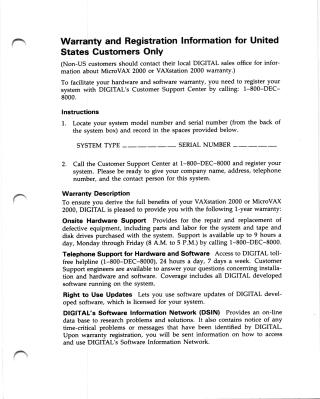
- Warranty and Registration: Instructions for US customers to register their system for a 1-year warranty, which covers onsite hardware repair, telephone support, software updates, and access to the Software Information Network (DSIN).
- System Setup: A detailed, step-by-step guide for site preparation (space planning, environment, and electrical requirements), hardware assembly (monitor, keyboard, pointing devices), and connection of options like printers, modems, and expansion boxes.
- Operating the System: Procedures for powering the system on and off, using the fixed disk and diskette drives, and managing tape cartridges (TK50).
- Troubleshooting: A diagnostic guide featuring a troubleshooting flowchart and tables to help users identify and resolve issues with the monitor, keyboard, mouse, disks, and tape drives. It also includes instructions for using built-in diagnostic test commands (e.g., TEST 0 through TEST 88).
- Options and Specifications: An overview of available hardware upgrades (memory, graphics coprocessors, monitors, and storage devices) along with technical specifications and a list of associated documentation.
Related Documents
Site structure and layout ©2025 Majenko Technologies