StorageWorks Rear SCSI Mount Kit
Order Number: EK-35XRN-IG
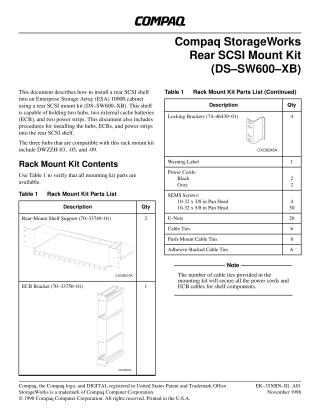
This document provides instructions for installing the Compaq StorageWorks Rear SCSI Mount Kit (DS-SW600-XB) into an Enterprise Storage Array (ESA) 10000 cabinet.
The kit enables the installation of a rear SCSI shelf that can hold two hubs (DWZZH-03, -05, or -09 models), two external cache batteries (ECBs), and two power strips.
The installation process is broken down into several stages:
- Verifying Kit Contents: A list of all parts included in the rack mount kit.
- Preliminary Information: Details on u-nut and mounting hole locations for the shelf and its components.
- Assembling the Rear SCSI Shelf: Step-by-step instructions for putting together the shelf support and ECB bracket.
- Installing the Assembled SCSI Shelf: How to mount the shelf into the ESA 10000 cabinet, including cable management and affixing a warning label.
- Grounding the PDUs: Important safety information regarding grounding Power Distribution Units (PDUs) to dissipate high-leakage current.
- Installing Components into the Shelf:
- Hubs: Instructions for installing and securing the two hubs.
- ECBs: Steps for inserting and connecting the primary and redundant ECBs.
- Power Strips: How to install the primary and redundant power strips onto the shelf.
- AC Wiring Schematic: A diagram illustrating the correct connections for power cords to ensure redundancy and safety, along with critical warnings about electrical shock prevention.
The document emphasizes maintaining power redundancy and adhering to safety precautions throughout the installation.
Site structure and layout ©2025 Majenko Technologies