StorageWorks Installing a BA35X RETMA Shelf Mounting Kit
Order Number: EK-35XRK-IG
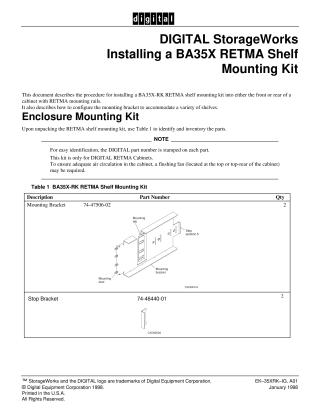
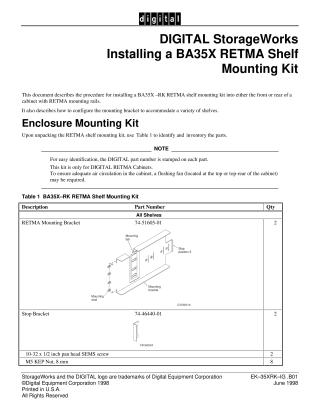
This document provides instructions for installing the DIGITAL StorageWorks BA35X-RK RETMA shelf mounting kit into the front or rear of a cabinet equipped with RETMA mounting rails. It also details how to configure the mounting brackets to accommodate shelves of varying depths.
The kit includes various components such as mounting brackets, stop brackets, different types of front and rear locking brackets, screws, and M5 Keps nuts, which users are advised to inventory.
A key aspect of the installation is configuration: users must identify their specific shelf type and its intended cabinet location (front or rear) to determine the correct locking bracket and stop bracket position as per provided tables.
Safety warnings are emphasized:
- Always disconnect all power from the cabinet before beginning due to high voltages.
- Be cautious of sharp cabinet rail edges to prevent injury.
The general installation procedure involves:
- Attaching the appropriate stop bracket onto the main mounting bracket.
- Positioning and securing the two mounting brackets within the cabinet rails using M5 Kep nuts.
- Sliding the shelf into the installed mounting brackets until it is fully seated against the stop brackets.
- Attaching and adjusting the correct locking brackets over the shelf's middle studs, then tightening all M5 Kep nuts to firmly secure the shelf.
The document also notes that the kit is designed exclusively for DIGITAL RETMA Cabinets and that a flushing fan may be necessary for adequate air circulation depending on cabinet configuration.
Site structure and layout ©2025 Majenko Technologies