StorageWorks Shelf Power Supply Installation Guide
Order Number: EK-35XHH-IG
This document is the DIGITAL StorageWorks Shelf Power Supply Installation Guide, providing step-by-step instructions for the removal and installation of an ultra SCSI RAID 180 W shelf power supply (model DS–BA35X–HH) from a StorageWorks ultra SCSI RAID enclosure.
Key procedures covered:
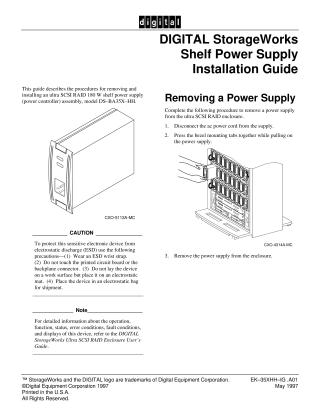
- Removing a Power Supply: Involves disconnecting the AC power cord, pressing the bezel mounting tabs, and pulling the unit from the enclosure.
- Installing a Shelf Power Supply: Requires removing the supply from its electrostatic bag, verifying it's a 180W unit, aligning it with the enclosure slot, pushing it in until the bezel tabs engage, connecting the AC power cord, and checking the RAID system's operation.
Important notes and precautions:
- CAUTION: Strict electrostatic discharge (ESD) precautions are advised, including wearing an ESD wrist strap, avoiding touching the printed circuit board, using an electrostatic mat, and storing the device in an electrostatic bag.
- Note: For detailed information on the device's operation, function, status, and error conditions, users are directed to the DIGITAL StorageWorks Ultra SCSI RAID Enclosure User's Guide.
The guide was published by Digital Equipment Corporation in May 1997.
Site structure and layout ©2025 Majenko Technologies