Installing an HSZ80 External Cache Battery (ECB)
Order Number: EK-Z8ECB-IN
This document outlines the procedures for installing or replacing an HSZ80 External Cache Battery (ECB), specifically the External Cache Battery Storage Building Block (ECB SBB). It provides instructions for two distinct system configurations:
Dual-Redundant Controller Configuration:
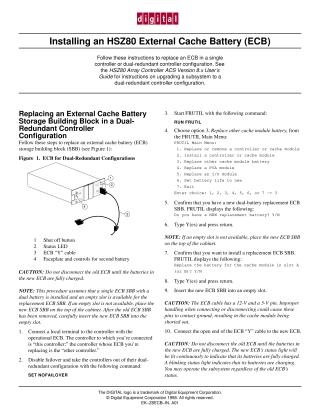
- Process: This method involves using the FRUTIL utility to manage the replacement. It often begins by configuring the system (e.g., setting "NO FAILOVER") or utilizing an available, empty SBB slot.
- Key Caution: A critical warning states that the old ECB should not be disconnected until the batteries in the new ECB SBB are fully charged to maintain system stability.
- Flexibility: While a controller shutdown might be involved in some failover scenarios (specifically when "SET FAILOVER THIS_CONTROLLER" is used), the process can potentially be performed without a full system shutdown if an empty slot is available and the new battery is fully charged.
- Steps: Involves connecting to the controller, running FRUTIL commands to prepare for and confirm the replacement, physically swapping the ECB SBB, and then re-verifying with FRUTIL.
Single Controller Configuration:
- Process: This procedure is simpler but mandates a complete system shutdown before any physical replacement takes place.
- Steps: Requires shutting down the controller, physically disconnecting cables, removing the old ECB SBB, installing the new one, reconnecting cables, powering on, and finally using the FRUTIL utility to verify the new battery's status.
Common Elements: Both procedures extensively use the FRUTIL utility for software-level management and verification of the battery replacement. They also share crucial warnings regarding the importance of battery charge levels for overall system stability and successful operation.
Site structure and layout ©2025 Majenko Technologies