KN310 CPU Installation Card
Order Number: EK-KN310-IN
This document is a quick reference guide for installing the KN310 CPU module into Compaq AlphaServer DS20 or DS20E systems.
Key steps and warnings include:
- Safety Precautions: Wait 2 minutes after power removal before touching modules due to high temperatures. Always wear an antistatic wrist strap.
- Preparation: Shut down the operating system, power down the system, and unplug all power cords.
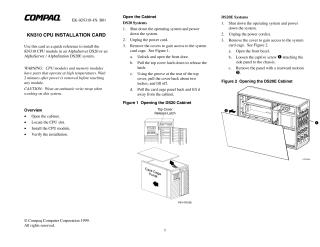
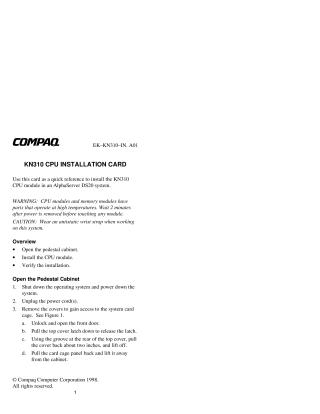
- Open the Cabinet: Remove the system covers/panels to access the system card cage. (Specific procedures for opening the cabinet differ for DS20 and DS20E models).
- Locate CPU Slot: Identify the correct CPU slot (slot 0 for the first CPU, slot 1 for adding a second).
- Install CPU Module:
- Slide the CPU module into the slot, ensuring correct alignment.
- Firmly press the module into the connector.
- Secure the module with screws to the card cage frame.
- Plug in the DC power harness to the CPU.
- Close Cabinet: Reverse the opening procedures to reassemble the cabinet.
- Power On: Plug in the AC power cord.
- Verify Installation:
- Tru64 UNIX/OpenVMS: Use the
show CPUcommand at the SRM console. - Windows NT (DS20 only): Access AlphaBIOS Setup, then "Display System Configuration," and "Systemboard Configuration."
- Tru64 UNIX/OpenVMS: Use the
Site structure and layout ©2025 Majenko Technologies