Installing HSZ70 SIMMs
Order Number: EK-70SIM-IN
This document outlines the procedure for installing or replacing SIMMs (memory modules) in an HSZ70 cache module, supporting configurations of either 64MB (two 32MB SIMMs) or 128MB (four 32MB SIMMs). It covers both single and dual-redundant setups.
The general process involves:
- Preparation: Dismounting storage units, shutting down controllers (specific commands provided), powering off the subsystem, and disconnecting/disabling the External Cache Batteries (ECBs).
- Module Removal: Disengaging retaining levers and removing the cache module(s).
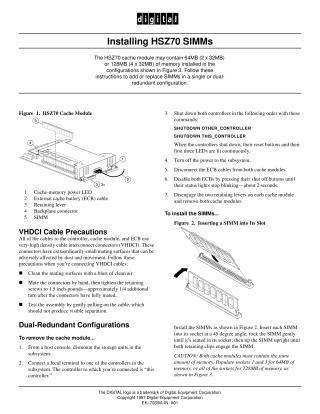
- SIMM Installation: Inserting SIMMs into the cache module slots at a 45-degree angle, then rocking them upright until the clips engage. For 64MB, populate sockets 1 and 3; for 128MB, populate all sockets. Crucially, in dual-redundant configurations, both cache modules must have the same memory amount.
- Module Reinstallation: Inserting the cache module(s) back into their slots, connecting ECB cables, restoring power to the subsystem, and finally re-mounting storage units.
The document also provides detailed VHDCI Cable Precautions, emphasizing the need to clean mating surfaces, mate connectors by hand, tighten retaining screws to 1.5 inch-pounds (1/4 turn), and test the assembly by gently pulling on the cable.
Site structure and layout ©2025 Majenko Technologies