StorageWorks External Cache Battery Mounting Kit Installation Guide
Order Number: EK-4XU2U-IG
This document is an installation guide for the Compaq StorageWorks External Cache Battery (ECB) Mounting Kit (DS-SWX4U-2U).
Purpose: It details how to install an External Cache Battery (ECB) into an Enterprise Storage Array (ESA) 12000 cabinet, allowing for the installation of either one or two ECBs.
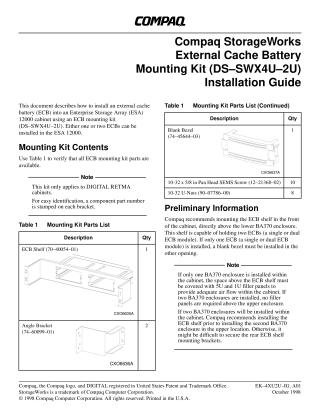
Kit Contents: The kit includes an ECB shelf, angle brackets, a blank bezel (for single ECB installations), pan head screws, and U-nuts.
Preliminary Information:
- The kit is specifically for DIGITAL RETMA cabinets.
- Compaq recommends mounting the ECB shelf at the front of the cabinet, directly above the lower BA370 enclosure.
- If only one ECB is installed, a blank bezel must cover the other opening.
- Airflow management requires 5U and 1U filler panels above the ECB shelf if only one BA370 enclosure is present.
- For two BA370 enclosures, it's recommended to install the ECB shelf before the second BA370.
Installation Procedure: The installation involves:
- Installing U-nuts and securing angle brackets to the rear legs of the cabinet's front rails.
- Inserting and securing the ECB shelf into these angle brackets from both the front and rear of the cabinet using screws.
- Fully tightening all screws.
- Installing the blank bezel into any open slot if only one ECB is used.
Site structure and layout ©2025 Majenko Technologies