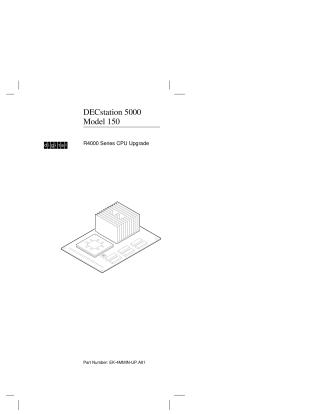
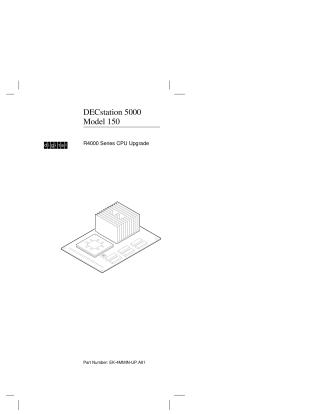
DECstation 5000 Model 150, R4000 Series CPU Upgrade
Order Number: EK-4MMIN-UP
This document provides a step-by-step guide for upgrading a DECstation 5000 Model 150 by replacing its existing R3000 CPU with an R4000 Series CPU.
Key steps and information include:
- Preparation: Verifying shipment contents, ensuring the system's ULTRIX/UWS software is version 4.3A or later (upgrading if necessary), and properly shutting down the system while recording boot parameters.
- Hardware Installation: Safely removing the system cover, attaching an antistatic wrist strap, using a special tool to remove the old R3000 CPU module, installing the new R4000 series CPU module, replacing the system medallion and cover, and attaching a conversion label.
- Post-Installation: Powering on and booting the system using the recorded parameters, returning the old R3000 CPU to Digital, and contacting Digital service to update the hardware service contract.
Site structure and layout ©2025 Majenko Technologies