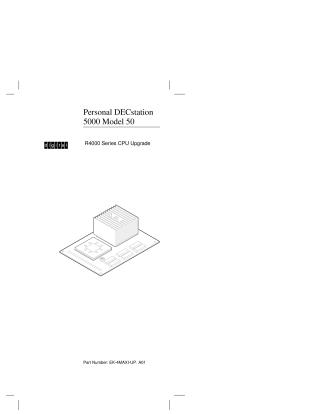
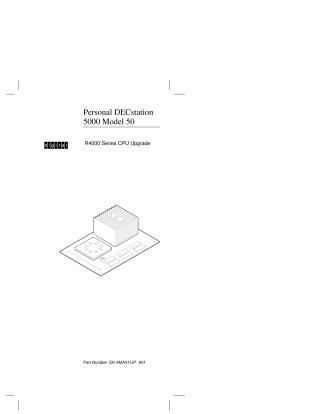
Personal DECstation 5000 Model 50, R4000 Series CPU Upgrade
Order Number: EK-4MAXI-UP
This document provides a step-by-step guide for upgrading a Personal DECstation 5000 Model 50 to an R4000 Series CPU.
Key steps and important considerations include:
Preparation & Verification:
- Checking the shipment contents to ensure all parts (CPU upgrade module, antistatic wrist strap, tools, labels, documentation, medallions) are present.
- Crucially, saving all packaging for the return of the old CPU module.
- Verifying system software version: ULTRIX and UWS must be version 4.3A or later. If not, a software upgrade is mandatory before proceeding with the hardware upgrade.
System Shutdown: Proper shutdown procedures for the system software are detailed, including recording necessary boot information.
Hardware Installation:
- Removing the system unit cover.
- Attaching an antistatic wrist strap is emphasized as critical for preventing damage to components.
- Removing the existing R3000 CPU module using a specialized tool.
- Installing the new R4000 CPU module, with a caution not to push on the heat sink.
Post-Installation:
- Replacing the system unit cover.
- Attaching a product conversion label and replacing the system medallion.
- Powering on the system and using specific commands to boot the software from the upgraded CPU.
Return Procedure: Instructions are provided for packaging and returning the old R3000 CPU module to Digital using the saved packaging.
Site structure and layout ©2025 Majenko Technologies