StorageWorks PVA Installation Guide
Order Number: EK-35XEC-IG
This document is an installation guide for the DIGITAL StorageWorks ultra SCSI RAID subsystem Power Verification and Addressing (PVA) assembly, model DS-BA35X-EC.
It outlines the procedures for both removing and installing the PVA, noting that these operations can be performed without powering down the system, shutting down the controller, or quiescing the SCSI bus.
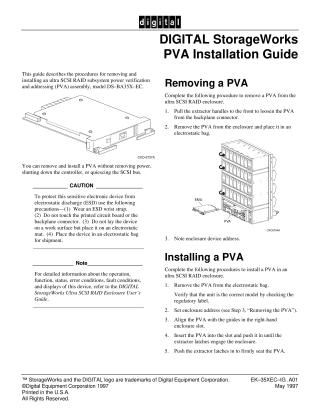
To remove a PVA, users must pull the extractor handles to loosen it, remove it from the enclosure, place it in an electrostatic bag, and note the enclosure device address.
For installation, the PVA should be removed from its electrostatic bag, verified for correct model, the enclosure address set, aligned with the slot guides, inserted until the latches engage, and then firmly seated by pushing the latches in.
A critical caution emphasizes protection against electrostatic discharge (ESD) by recommending the use of an ESD wrist strap, avoiding contact with the printed circuit board, placing the device on an electrostatic mat, and using an electrostatic bag for shipment.
The guide also advises referring to the DIGITAL StorageWorks Ultra SCSI RAID Enclosure User's Guide for more detailed information on the device's operation, functions, status, and fault conditions.
Site structure and layout ©2025 Majenko Technologies