SHC011 READ ME FIRST GER.PDF
Order Number: XX-960EA-DA
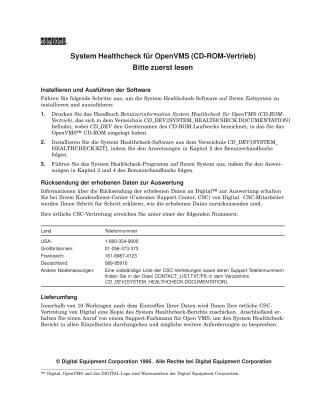
This document is a "Please Read First" guide for the System Healthcheck software for OpenVMS, distributed via CD-ROM.
It outlines three main areas:
Installing and Running the Software:
- Users should print the "User Information System Healthcheck for OpenVMS" manual from the
CD_DEV:[SYSTEM_HEALTHCHECK.DOCUMENTATION]directory on the CD-ROM. - Install the software from
CD_DEV:[SYSTEM_HEALTHCHECK.KIT]by following Chapter 2 of the manual. - Execute the System Healthcheck program according to instructions in Chapters 3 and 4 of the manual.
- Users should print the "User Information System Healthcheck for OpenVMS" manual from the
Returning Collected Data for Evaluation:
- Contact your Digital Customer Support Center (CSC) for instructions on how to send the collected data to Digital for evaluation.
- Specific phone numbers are provided for USA, UK, France, and Germany. A complete list of CSC contacts and support numbers can be found in
CONTACT_LIST.TXT/PSin theCD_DEV:[SYSTEM_HEALTHCHECK.DOCUMENTATION]directory.
Scope of Services (After Data Submission):
- Within 10 working days of Digital receiving your data, your local CSC will send you a copy of the System Healthcheck report.
- Subsequently, an OpenVMS support specialist will call to discuss the report in detail and address any further requirements.
The document is copyrighted by Digital Equipment Corporation 1995.
Site structure and layout ©2025 Majenko Technologies