Subscripts, Superscripts, and Composite Characters
Order Number: XX-XXXXX-XX
This document provides instructions on how to use a word processing system to format text with subscripts, superscripts, and composite characters.
Key points include:
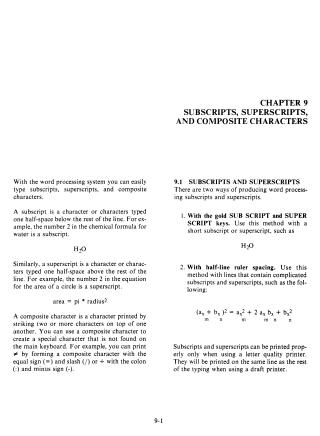
- Definitions: Subscripts are typed a half-space below the line, superscripts are typed a half-space above the line, and composite characters are created by striking multiple characters in the same space.
- Short Formatting: Simple subscripts and superscripts can be created using the dedicated "SUB SCRIPT" and "SUPER SCRIPT" keys. These are best used with letter-quality printers, as draft printers will print them on the same line as regular text.
- Complex Formatting: For complicated equations requiring multi-level subscripts or superscripts, users should utilize "half-line ruler spacing" to adjust the vertical positioning of text.
- Limitations: Subscripts and superscripts created with the dedicated keys cannot be underlined, may require additional line spacing to avoid crowding, and cannot be nested (e.g., you cannot have a subscript of a subscript).
Site structure and layout ©2025 Majenko Technologies