Dibol Compiler (Comp)
Order Number: XX-XXXXX-XX
This document provides technical operating instructions for various utility programs within the COS-310 system. The chapters cover:
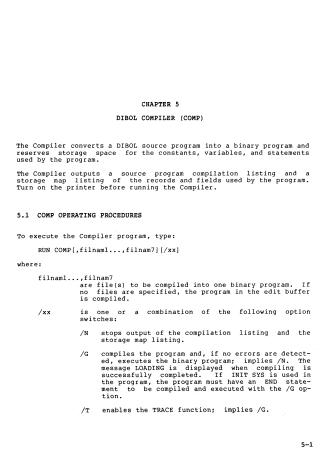
- DIBOL Compiler (COMP): Describes how to compile DIBOL source programs into binary, including operating procedures, compiler switches (like trace and debug options), memory management, and error messages. It also explains the Conditional Compilation Procedure (CCP) for including specific code segments during compilation.
- DIBOL Debugging Technique (DDT): Details how to use the DDT program to debug binary programs, including setting breakpoints, examining variables, and tracing subroutines.
- Cross Reference Program (CREF): Explains how to generate a cross-reference table of labels used in a DIBOL program to assist in development.
- Peripheral Interchange Program (PIP): Covers file management tasks such as copying files between devices, consolidating directory space, and managing binary scratch areas.
- Sort Program (SORT): Details how to arrange records in data files, including creating command files for sorting and performing merge operations.
- File Exchange Program (FILEX): Explains how to transfer files between universal diskettes and other system storage devices, covering different data formats (ASCII, Image, EBCDIC).
- Patch Program (PATCH): Provides procedures for fixing system programs or the monitor by applying official patch information to specific blocks and memory locations.
- Boot Program (BOOT): Describes how to bootstrap the system to transition between different devices.
- Line Change Program (LINCHG): A utility used to temporarily change the lines-per-page configuration for printers.
- Format Programs (DKFMT, DYFMT): Provides instructions for initializing and formatting RK05 disks and RX02 diskettes.
- Dump and Fix Technique (DAFT): Describes a tool similar to an editor that allows users to search, examine, and modify data records.
- Report Program Generator (PRINT): Explains how to use command files to generate report-producing DIBOL programs.
- Menu Program (MENU): Details how to create menu-driven interfaces to execute command files in an orderly fashion.
Each chapter includes operating procedures, command definitions, and a list of specific error messages to help users troubleshoot common issues.
Site structure and layout ©2025 Majenko Technologies