Fibre Channel Switch, 8-/16-Port Universal Mounting Kit
Order Number: EK-GGAAB-IC
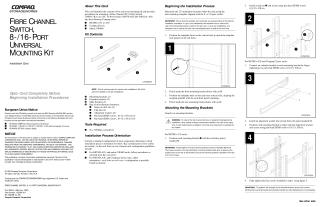
This document is an installation guide for mounting a Compaq Fibre Channel 8-Port or 16-Port Switch into various Compaq racks (RETMA 41U, 42U, Compaq Classic, and Metric SW600) using a universal mounting kit. The kit includes mounting brackets, extender brackets, slide brackets, and various fasteners, requiring only a No. 2 Phillips screwdriver.
The installation process begins by determining the 2U rack location using a template to mark front and rear mounting holes. Mounting brackets are then attached to the rack, with specific procedures depending on the rack type (RETMA 41U, RETMA 42U/Compaq Classic, or Metric). Next, slide brackets are secured to the Fibre Channel switch. The switch is then inserted into the rack by sliding the attached slide brackets into the mounting brackets, ensuring it remains parallel to the floor to prevent damage, and secured with screws. Finally, power and data cables are routed using snap-on cable ties. The document emphasizes warnings regarding template orientation, rack stability, and proper screw tightening.
Site structure and layout ©2025 Majenko Technologies