DIGITAL StorageWorks Installing the EMU Microcode
Order Number: EK-EMUMC-IG
This document provides instructions for installing or upgrading the microcode on a DIGITAL StorageWorks EMU (Enclosure Management Unit) for ultra SCSI RAID enclosures (BA370-series). It emphasizes that all EMUs must have the same microcode revision for proper operation.
The process involves connecting a PC to the master EMU's center UART connector and using a communications program, such as PROCOMM.
Key steps include:
- Prerequisites: Gathering the EMU microcode file, a PC, a communications program, and a specific adapter cable (9-pin RS232 to 8-pin RJ45).
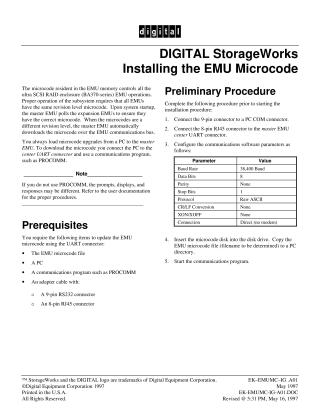
- Preliminary Procedure: Connecting the PC to the master EMU and configuring the communications software with specific parameters (e.g., 38,400 Baud, 8 data bits, no parity, Raw ASCII protocol). The microcode file should also be copied to the PC, and the communications program initiated.
- Preparing the EMU: This involves a specific sequence of removing and reinserting the EMU into its enclosure while holding the Alarm Control switch. The switch is held until the PC displays "Waiting for receiver ready."
- Loading the Microcode: Initiating an "upload" function from the PC's communications program, specifying the microcode file. The document describes the expected messages and LED behavior during the download, transfer to flash memory, verification, and initialization process.
Site structure and layout ©2025 Majenko Technologies