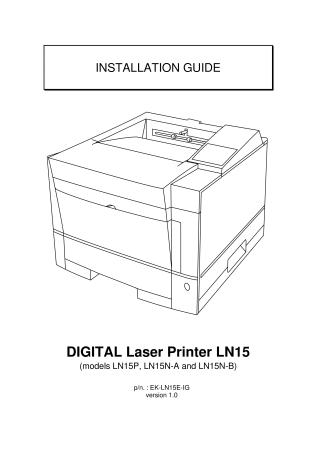
Digital Laser Printer LN15 Installation Guide (Models LN15P, LN15N-A and LN15N-B)
Order Number: EK-LN15E-IG
This document is a comprehensive installation guide for the Digital Laser Printer LN15, covering models LN15P, LN15N-A, and LN15N-B. It begins by familiarizing the user with the printer's components and outlines the specifications for each model, including RAM, resolution, paper input, and interface options.
The guide provides detailed, step-by-step instructions for setting up the printer. This includes unpacking, installing optional hardware such as the duplexing unit and lower media tray, proper placement of the printer, and installing consumables like the toner cartridge and cleaner pad. It also explains how to load media into the upper, lower, and manual feed trays, and how to use the rear stacker. Essential steps like connecting the power cord and printing a test page are included.
Further sections delve into the control panel, explaining its indicators and keys, and providing a quick reference for navigating the printer's menu structure to configure settings like page format, print quality, and network parameters. The document also offers a troubleshooting section, listing common problems, error messages, and their solutions, along with detailed instructions for clearing paper jams. Finally, it provides a list of available options and supplies, including memory extensions, various network interfaces, toner cartridges, and other parts, complete with part numbers and descriptions.
Site structure and layout ©2025 Majenko Technologies