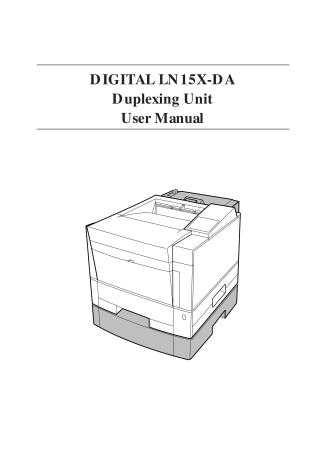
Digital LN15X-DA Duplexing Unit
User Manual
Order Number: XX-22B99-29
This user manual provides comprehensive instructions for the DIGITAL LN15X-DA Duplexing Unit, an accessory designed to enable two-sided printing for the associated printer.
The document covers the following key areas:
- Features: It highlights the duplex unit's ability to print on both sides of standard paper sizes (A4, B5, A5, Legal, Letter, Executive) at 14 pages per minute, its easy installation, and the provision of a face-up rear stacker for one-sided printing of specialized media.
- Installation: Detailed, step-by-step instructions are provided for preparing the printer (disconnecting power/cables, removing components) and physically installing the duplex unit. Diagrams illustrate the process.
- Operation: The manual outlines how to test duplex printing offline using the printer's control panel, including navigating menus to activate duplex mode. It also explains how to use the rear stacker.
- Removal: Instructions for safely removing the duplex unit from the printer are included.
- Troubleshooting: A dedicated section addresses common problems such as the printer not recognizing the duplex unit, paper not feeding correctly, paper jams, and issues related to insufficient RAM capacity for PS emulation.
- Specifications: A table lists technical specifications, including feeding speed, dimensions, weight, power requirements, environmental conditions, and supported paper types and sizes.
Throughout the manual, important advisories (Caution, Notice, Important) are used to draw attention to potential personal injury, data loss, equipment harm, or supplementary information.
Site structure and layout ©2025 Majenko Technologies