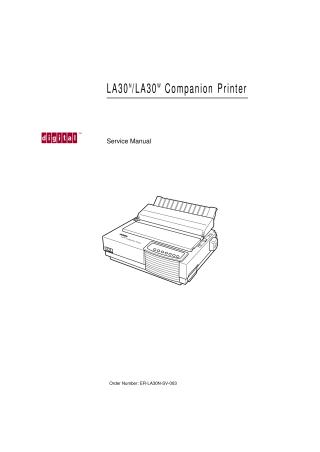
LA30N/LA30W Companion Printer
Service Manual
Order Number: ER-LA30N-SV
This Service Manual is intended for engineers involved in the operation, installation, and maintenance of the Digital LA30N (80-column) and LA30W (136-column) Companion Printers.
The document provides comprehensive information across several key areas:
- Printer Specifications, Performance, and Configuration: Details the printer's structure, model variations (including optional power supply and color kit), supported emulations (Digital PPL2, IBM Proprinter, Epson ESC/P2), and dual interface capabilities (Centronics parallel and RS-423 serial).
- Unpacking, Performance Check, and Connection: Guides through the initial setup, including unpacking, installing accessories, and performing self-test printing.
- Troubleshooting: Offers flowcharts to diagnose common problems such as indicators not lighting, print head movement issues, incorrect printing due to RAM defects, printing quality abnormalities, and forms feed errors, along with explanations of error displays.
- Maintenance: Outlines two levels of maintenance, covering cleaning, lubrication, adjustments (print head gap, vertical alignment, top-of-forms), and detailed procedures for replacing various components like covers, tractor unit, printing mechanism, power supply, control boards, motors, sensors, and the print head assembly. It emphasizes the printer's design for high reliability and ease of maintenance.
- Principles of Operation: Explains the mechanical functions (print head, carriage, ribbon, paper feed, print head gap control, color ribbon shift, option detection) and electrical operations (system configuration, controller, memory, drivers, sensors, control panel, power supply, and firmware overview).
- Recommended Spare Parts: Includes a list of parts and their respective product numbers for ordering replacements.
The manual highlights the printer's self-test and hex dump diagnostic functions, which aid in isolating errors between the printer and the host computer.
Site structure and layout ©2025 Majenko Technologies