Installing and Cabling the Reverse AUI MM-10 (DLXRA)
Order Number: EK-DLXRA-IM
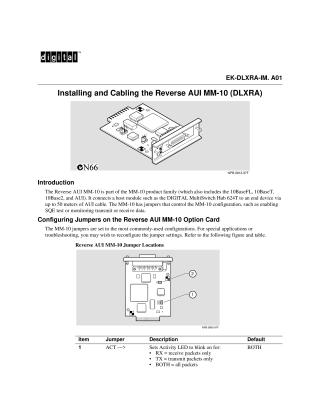
This document describes the Reverse AUI MM-10 (DLXRA), a module used to connect a host module, such as the DIGITAL MultiSwitch Hub 624T, to an end device via an AUI cable up to 50 meters long. It is part of the broader MM-10 product family.
The MM-10 features configurable jumpers to control its functionality, including enabling SQE tests or monitoring transmit/receive data. Two key jumper settings are:
- ACT (Activity LED): Determines if the Activity LED blinks for receive packets only, transmit packets only, or both (default).
- SQE Test: Enables or disables the SQE test (default is disabled).
The installation procedure for the Reverse AUI MM-10 is straightforward and it is hot-swappable. Installation requires a Phillips-head screwdriver and involves three main steps:
- Aligning and inserting the MM-10 into a slot on the Carrier Card.
- Pushing the module until it is firmly seated, then securing it with two screws.
- Connecting the AUI cable's DB-15 connector to the MM-10's AUI port and locking it with the slide latch. It is important to note that the DIGITAL MultiSwitch Hub 624T Carrier Card (DLXMC-MA), which is not hot-swappable, must be installed prior to the MM-10. For further configuration details and LED information, users are directed to the DIGITAL MultiSwitch Hub 624T Installation and Configuration manual.
Site structure and layout ©2025 Majenko Technologies