Installing the DIGITAL MultiSwitch Hub 624T 10BaseT Expansion Port Group (DLXR1)
Order Number: EK-DLXR1-IM
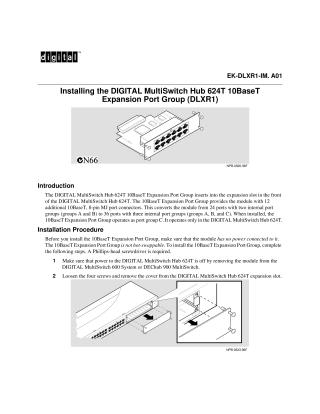
This document provides instructions for installing the DIGITAL MultiSwitch Hub 624T 10BaseT Expansion Port Group (DLXR1). This expansion module adds 12 additional 10BaseT, 8-pin MJ port connectors to the DIGITAL MultiSwitch Hub 624T, converting a 24-port hub into a 36-port hub by adding a third internal port group (group C). It is compatible only with the DIGITAL MultiSwitch Hub 624T.
The installation procedure emphasizes that the expansion port group is not hot-swappable, requiring the main DIGITAL MultiSwitch Hub 624T to be powered off and removed from its system (MultiSwitch 600 System or DEChub 900 MultiSwitch) before installation. Key steps include:
- Ensuring power is off to the hub.
- Removing the cover from the hub's expansion slot.
- Aligning and firmly inserting the expansion port group into the slot.
- Securing the module with its four screws.
- Connecting the 10BaseT cables.
- Reseating and powering up the DIGITAL MultiSwitch Hub 624T, verifying the Power OK and Module OK LEDs illuminate, and the Port Group Select LEDs flash from A to B to C.
For troubleshooting or further information, the document refers to the DIGITAL MultiSwitch Hub 624T Installation and Configuration manual.
Site structure and layout ©2025 Majenko Technologies