Installing the DIGITAL MultiSwitch Hub 624T Carrier Card (DLXMC)
Order Number: EK-DLXMC-IM
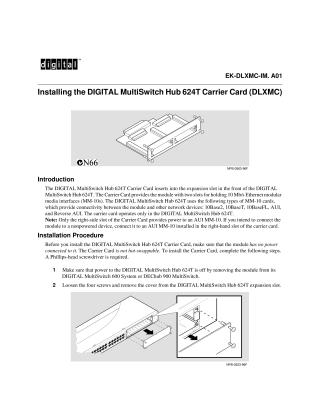
This document describes the installation of the DIGITAL MultiSwitch Hub 624T Carrier Card (DLXMC) into the expansion slot of the DIGITAL MultiSwitch Hub 624T. The Carrier Card provides two slots for 10 Mb/s Ethernet modular media interfaces (MM-10s), supporting various types such as 10Base2, 10BaseT, and AUI. It is specifically designed to operate only with the DIGITAL MultiSwitch Hub 624T, with a note that only the right-side slot supplies power to an AUI MM-10, making it suitable for non-powered device connections.
The installation procedure emphasizes that the Carrier Card is not hot-swappable and requires the Hub 624T to be completely powered off (by removing it from its system) before installation, along with a Phillips-head screwdriver. Steps include removing the expansion slot cover, carefully aligning and seating the Carrier Card into the slot, fastening it with screws, and finally, re-powering the Hub. Successful installation is indicated by specific LED states: Power OK and Module OK LEDs lighting up, and Port Group Select LEDs flashing from A to B. For troubleshooting or further information, the document refers users to the DIGITAL MultiSwitch Hub 624T Installation and Configuration manual and online resources from Digital Equipment Corporation.
Site structure and layout ©2025 Majenko Technologies