Installing and Cabling the AUI MM-10 (DLXAU)
Order Number: EK-DLXAU-IM
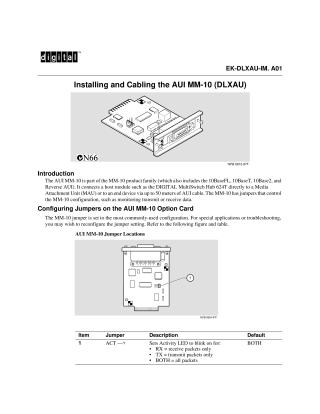
This document provides instructions for installing and cabling the AUI MM-10 (DLXAU) module. The AUI MM-10 is part of the MM-10 product family and connects a host module, such as the DIGITAL MultiSwitch Hub 624T, to a Media Attachment Unit (MAU) or an end device via an AUI cable up to 50 meters long.
The document first details how to configure the jumpers on the AUI MM-10 Option Card. Specifically, it describes the "ACT" jumper (Item 1), which controls whether the Activity LED blinks for receive packets, transmit packets, or both (the default setting).
The installation procedure outlines the steps to install the hot-swappable AUI MM-10 into a Carrier Card slot. Key steps include aligning the module with the card guides, pushing it firmly into the slot, securing it with screws, and connecting an AUI cable or MAU. It's noted that a Phillips-head screwdriver is required, and the DIGITAL MultiSwitch Hub 624T Carrier Card (DLXMC-MA) must be installed beforehand (it is not hot-swappable itself). A crucial point is that only the right-side slot of the Carrier Card supplies power to the AUI MM-10. For further configuration details and LED information, the user is directed to the DIGITAL MultiSwitch Hub 624T Installation and Configuration manual.
Site structure and layout ©2025 Majenko Technologies