DIGITAL GIGAswitch/Ethernet System Installing Gigabit Ethernet Modules
Order Number: EK-DGBSL-IN
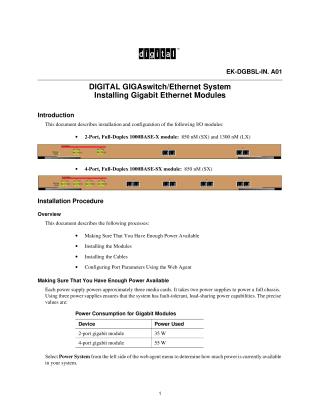
This document provides a comprehensive guide for installing and configuring Gigabit Ethernet I/O modules within a DIGITAL GIGAswitch/Ethernet system. It covers both 2-Port, Full-Duplex 1000BASE-X modules and 4-Port, Full-Duplex 1000BASE-SX modules.
The installation procedure outlines four key steps:
- Ensuring Power Availability: Users are advised to check available power, noting that a 2-port module consumes 35W and a 4-port module 55W. The system supports fault-tolerant power with three power supplies.
- Installing Modules: Modules are hot-swappable, meaning they can be added without shutting down the switch. Crucially, antistatic precautions (wrist strap, grounded work surface) must be observed. The guide details the physical insertion, locking with ejectors, and securing modules. It also describes normal LED behavior for module status, TX/RX traffic, port link integrity, and full-duplex operation, which should be observed upon power-on.
- Installing Cables: The system uses fiber cables with SC-type connectors. The document provides maximum fiber link distance guidelines based on IEEE 802.3z, specifying lengths for 50 micron multimode, 62.5 micron multimode, and singlemode fibers at 1300 nm and 850 nm wavelengths.
- Configuring Port Parameters Using the Web Agent: Instructions are provided for configuring gigabit ports through a web interface. Settable attributes include enabling/disabling the port, assigning a port name, and configuring the Flow Control Mode (IEEE 802.3x pause control) to manage buffer overflows. Users can configure individual ports or apply settings to all ports on a module simultaneously.
The document also references the "DIGITAL GIGAswitch/Ethernet System Installation and Operation Guide" for advanced configuration and further information.
Site structure and layout ©2025 Majenko Technologies