DIGITAL GIGAswitch/Ethernet System Replacing the Fan Tray
Order Number: EK-DGBGZ-IN
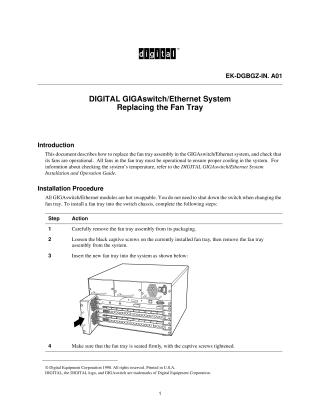
This document provides instructions for replacing the fan tray assembly in a DIGITAL GIGAswitch/Ethernet system and verifying its proper operation. The fan tray is crucial for system cooling, and all its fans must be operational. The fan trays are hot-swappable, meaning the replacement can be done without shutting down the switch. The procedure involves carefully removing the new fan tray from its packaging, then loosening the captive screws on the old fan tray to remove it. The new fan tray is then inserted firmly into the system, and its captive screws are tightened. To verify the installation, users must launch the web agent, navigate to the "Cooling System" menu, and confirm that the status of the new fan is "Operational."
Site structure and layout ©2025 Majenko Technologies