DECswitch 900EE Quick Start
Order Number: XX-060D9-EA
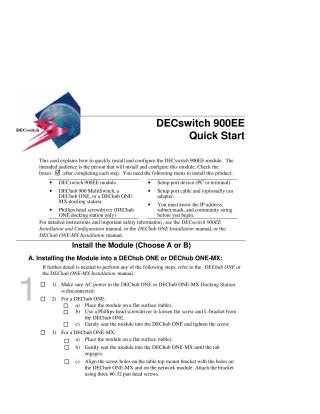
This document provides a quick guide for the installation and initial configuration of the DECswitch 900EE module. It outlines the essential items required, including the module, a DEChub (ONE, ONE-MX, or 900 MultiSwitch), a setup port device and cable, and prior knowledge of IP address, subnet mask, and community string.
The installation process is broken down into three main sections:
- Installing the Module: Detailed steps are provided for physically installing the DECswitch 900EE module into either a DEChub ONE/ONE-MX (involving power disconnection, seating, and securing with screws/brackets) or a DEChub 900 MultiSwitch (requiring power verification, seating, and checking LED indicators).
- Installing the Setup Port Cable: This section guides users on selecting the appropriate cable and adapter, ensuring the setup device's baud rate is set to 9600, and connecting the cable between the DEChub and the setup port device (PC or terminal).
- Configuring the Module: Instructions cover the initial software configuration via the setup port device. This includes steps for both DEChub ONE/ONE-MX and DEChub 900 MultiSwitch environments, detailing how to access the installation menu, show current settings, perform IP configuration (setting SNMP read/write community, in-band and out-of-band IP address, subnet mask, and default gateway), configure out-of-band port speed, and set module-specific options such as Ethernet configuration or IPX switch settings. For the MultiSwitch, it also includes starting redirect mode and specifying the slot number.
The document frequently refers to more comprehensive manuals for detailed instructions and safety information.
Site structure and layout ©2025 Majenko Technologies