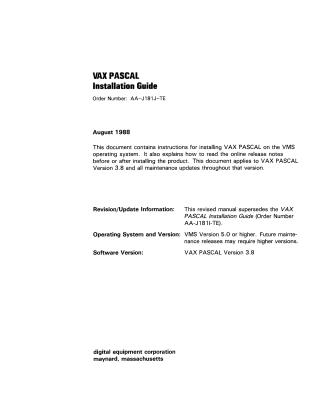
VAX PASCAL Installation Guide (Ver 3.8)
Order Number: AA-J181J-TE
This document is the VAX PASCAL Installation Guide, Order Number AA-J181J-TE, published in August 1988.
It provides step-by-step instructions for system managers on how to install VAX PASCAL Version 3.8 (and all its maintenance updates) on the VMS operating system (Version 5.0 or higher).
Key aspects covered include:
- Prerequisites: Necessary privileges (SETPRV, CMKRNL, WORLD, SYSPRV), sufficient free disk space (minimum 4000 blocks for installation), and adequate contiguous global pages and global sections (e.g., 1100 pages/2 sections for the compiler, more if installing the Run-Time Library). Users must also register the product with a Product Authorization Key (PAK) beforehand.
- Installation Process: Utilizes the
VMSINSTALcommand procedure. Steps include logging into a privileged account, invokingVMSINSTALwith product and device names, responding to prompts (disk backup, release notes options, licensing verification, file purging), and inserting installation media. - PASSTR Saveset: Instructions for optionally installing the PASSTR saveset, which provides VMS and Run-Time Library definitions for PASCAL programs, important for compatibility and reinstallation after VMS updates.
- Post-Installation: Notes that the
PASCALcommand becomes available (users may need to log out and back in). - Shared Image Installation: Guidance on installing VAX PASCAL and its Run-Time Library (PASRTL) as shared known images using the VMS Install Utility to reduce system overhead and memory requirements, especially relevant for VAXclusters.
- Verification and Troubleshooting: Explains how the Installation Verification Procedure (IVP) runs automatically and can be run separately. It also details common error conditions (e.g., incorrect OS version, insufficient quotas, un-registered product) and how to determine and report problems.
- Maintenance Updates: Emphasizes keeping the guide for future maintenance updates, which will include new release notes.
The guide is designed to be self-explanatory, with system prompts guiding the user through the process.
Site structure and layout ©2025 Majenko Technologies