Initial System Setup Guide
Order Number: XX-A8CBE-5F
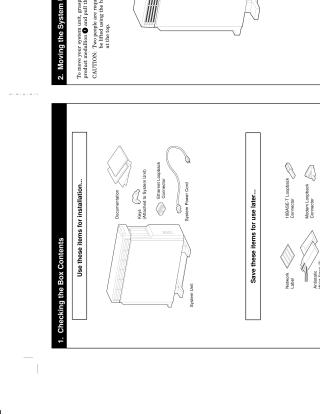
This document provides a step-by-step guide for the initial setup and installation of a system unit. It begins by detailing the box contents, distinguishing between items for immediate installation and those to be saved. Instructions for safely moving the system unit are provided, highlighting the need for two people to lift it. The guide then covers choosing an appropriate location for the workstation, specifying requirements for ventilation, power outlet proximity, and adequate space for rear connections. Subsequent sections detail essential connections and pre-startup checks, including correctly positioning the alternate console switch and safely connecting the system power cord after ensuring the power switch is off. Finally, the document outlines the correct power-on sequence for the terminal, any expansion boxes, and the system unit, along with a reference table for consulting further documentation based on the installed operating system or for more detailed installation instructions.
Site structure and layout ©2025 Majenko Technologies