AlphaServer 300 Release Notes
Order Number: EK-AS300-RN
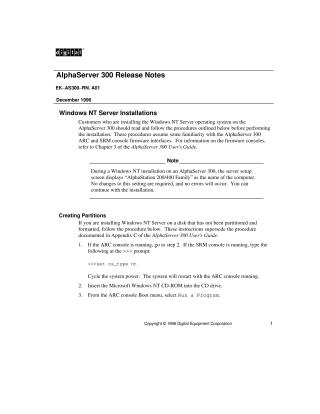
This document provides crucial pre-installation and installation procedures for customers setting up Windows NT Server on an AlphaServer 300 system. It addresses two main areas:
- Creating Partitions: It outlines a detailed, step-by-step process for partitioning a disk for Windows NT Server. This involves starting the ARC console (or switching from SRM), running the
cd:\alpha\arcinstutility from the Windows NT CD-ROM, and carefully configuring partitions, including a specific 6 MB system partition. The procedure also guides users on correctly setting thesystempartitionenvironment variable in the ARC console for proper system boot. - Installing ATI MACH64 Graphics Driver (for Windows NT V3.51): The document provides instructions for installing the ATI MACH64 (PB2GA-FB) graphics controller driver, which is not included in Windows NT V3.51. Users must perform a custom setup during the Windows NT installation, select "Other" for the display driver, and provide the driver from a diskette.
Throughout the document, a note clarifies that the display of "AlphaStation 200/400 Family" during Windows NT setup is normal for AlphaServer 300 systems and does not indicate an error.
Site structure and layout ©2025 Majenko Technologies