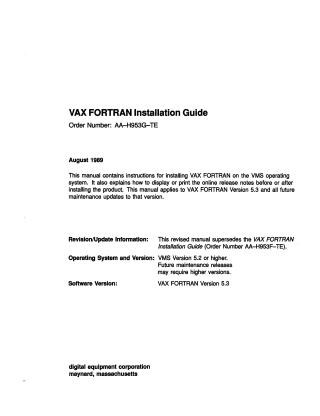
VAX FORTRAN Installation Guide (Ver 5.3)
Order Number: AA-H953G-TE
This document is the VAX FORTRAN Installation Guide (Order Number AA-H953G-TE), published in August 1989.
Purpose: It serves as a step-by-step manual for system managers on how to install VAX FORTRAN Version 5.3 (and all future maintenance updates) on the VMS operating system (Version 5.2 or higher).
Key Information & Process:
- Preparation: Before installation, users must verify system prerequisites, including sufficient disk space, user account quotas (e.g., ASTLM, BYTLM), and ensure the VAX FORTRAN software license is registered using the VMS License Management Facility (LMF).
- Installation Procedure: The core process involves logging into a privileged account (e.g., SYSTEM), setting the default directory to
SYS$UPDATE, and invoking theVMSINSTALcommand procedure (e.g.,@VMSINSTAL FORT05n ddcu: [OPTIONS N]). - Steps during Installation: The procedure guides the user through confirming system backup, mounting installation media, optionally displaying release notes, selecting components (compiler, help files, definition files, DECwindows interface), verifying license registration, and running an Installation Verification Procedure (IVP).
- Special Considerations: The guide provides specific instructions for installing VAX FORTRAN on a VAXcluster and recommends installing it as a shared image for extensive use to optimize system resources.
- Troubleshooting: It lists common error conditions (e.g., incorrect OS version, insufficient quotas, unregistered product) and advises restarting the installation from Step 2 if issues arise, or contacting Digital field service for IVP failures.
The manual is intended to be kept with the distribution kit for reference during maintenance updates or reinstallation.
Related Documents
| VAX FORTRAN Installation Guide 9Ver 5.0) | AA-H953F-TE |
Site structure and layout ©2025 Majenko Technologies