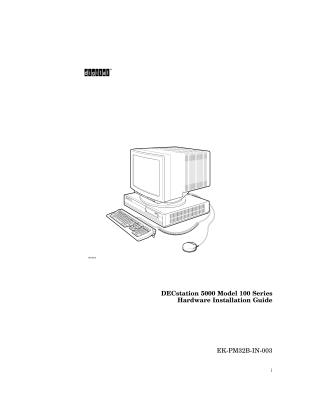
DECstation 5000 Model 100 Series Hardware Installation Guide
Order Number: EK-PM32B-IN
This hardware installation guide for the DECstation 5000 Model 100 Series workstation provides comprehensive instructions for setting up the system.
The document begins by listing all basic workstation components, including the system unit, monitor, keyboard, mouse, various cables (video, power, keyboard-mouse, Ethernet, SCSI), and essential accessories like terminators and an antistatic wrist strap.
It then guides the user through the initial setup steps:
- Placement and Safety: Advising on proper positioning for the system unit and monitor, including warnings about ventilation and electromagnetic interference.
- Initial Checks: Verifying voltage requirements and ensuring all on/off switches are in the off position.
- Hardware Connections:
- Locating and understanding the base system connectors and TURBOchannel option slots.
- Detailed instructions for connecting the monitor (color, gray-scale, and monochrome types) to the system unit.
- Connecting the keyboard and mouse/tablet to the system unit.
- Connecting power cords to both the system unit and monitor.
- Extensive guidance on connecting Ethernet network cables (ThickWire, ThinWire, twisted-pair) or setting up the workstation as a standalone system using a loopback connector.
- Instructions for attaching a SCSI terminator (if no external storage is used) or setting up and cabling storage expansion boxes, including important details on SCSI ID assignment and cable length limitations.
- Connecting communication devices like modems or printers.
Finally, the guide covers post-hardware setup and initial software installation:
- Workstation Testing: Powering on the components, allowing for self-tests, and using console commands (like
cnfg) to verify installed hardware components (memory, Ethernet addresses, SCSI IDs). - Software Installation: Providing steps for installing the ULTRIX/UWS operating system from either a tape drive or a compact disc drive, detailing the process for loading media and initiating the boot procedure.
Related Documents
| PM38AIN1 | 36-17905-19 |
Site structure and layout ©2025 Majenko Technologies