Tx86 Tape Drive Operator's Reference Card
Order Number: EK-OTK86-RC
This document is a quick reference guide for operating the Tx86 tape drive. It provides:
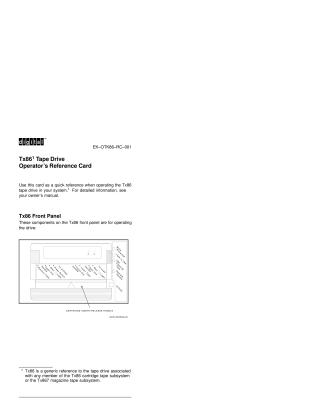
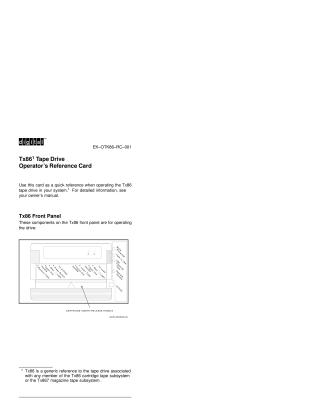
- A visual overview of the Tx86 front panel components, including handles, buttons, and indicator lights.
- A description of the power-on self-test (POST) sequence and the expected indicator behavior during startup.
- A comprehensive "Indicator Summary" table explaining the meaning of each indicator light (Operate Handle, Tape in Use, Write Protected, Use Cleaning Tape, and all four lights blinking/on) based on its state (on, off, blinking) to help users interpret the drive's status.
- Step-by-step instructions for loading a tape cartridge, detailing the necessary actions and the corresponding changes in indicator lights.
Site structure and layout ©2025 Majenko Technologies