MS7AA Memory Installation Card
Order Number: EK-MS7AA-IN
This document is a quick reference guide for installing MS7AA memory modules in DEC 7000 AXP and VAX 7000 systems. It directs users to the System Service Manual for more detailed information.
The guide covers:
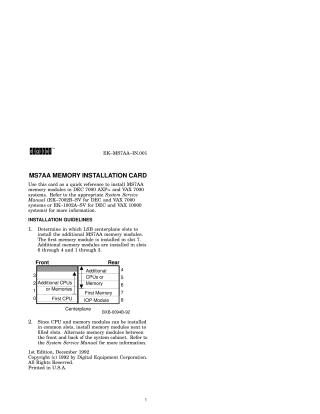
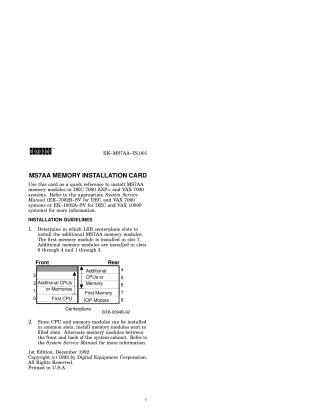
- Installation Guidelines: Specifies which LSB centerplane slots to use (first module in slot 7, additional modules in slots 6-4 and 1-3) and recommends installing memory next to filled slots, alternating front and back.
- Installation Procedure: Provides a step-by-step process for safely installing an MS7AA memory module, including:
- System shutdown and power disablement.
- Opening the cabinet and using an antistatic wrist strap.
- Releasing the card cage plate and removing filler modules.
- Instructions for removing an existing module (if replacing).
- Aligning and gently guiding the new module into the card cage.
- Securing the module and closing the cabinet.
- System Verification: Explains how to power up the system and check the self-test display to confirm the new memory modules are recognized and passed diagnostics (looking for 'M' on the TYP line and '+' signs on the ST lines).
Site structure and layout ©2025 Majenko Technologies