Baseway Software Installation Guide
Release Notes
Order Number: XX-C977D-5F
[] No order number is provided in the document.
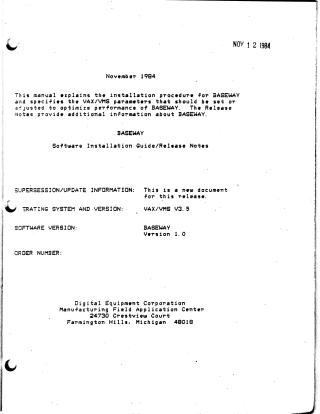
This manual outlines the installation procedure and release notes for the BASEWAY software product on VAX/VMS systems.
BASEWAY serves as a tool for defining, monitoring, and controlling programmable devices within complex manufacturing applications. It integrates with Digital's SHOP FLOOR GATEWAY, which handles communication with shop floor devices, supporting up to four PDP-11/24 or PDP-11/44 gateways running the RSX-11S operating system.
The installation requires a VAX 11/750 or 11/780, a PDP-11/24 or 11/44 with a minimum of 512KB memory, DECnet link hardware, and a console terminal. Software prerequisites include VAX DECnet V3.0, VAX FMS V2.1, and VAX/VMS V3.5 or later. Optional software like VAX PL/I, CDD, DATATRIEVE, DBMS, TDMS, ACMS, and ALL-IN-1 are also mentioned for advanced functionality and program development.
The installation process typically takes 15-30 minutes and involves backing up the system disk, using the VMSINSTAL procedure, and logging in with system manager privileges. The document details potential error conditions related to disk space or system parameters.
Following installation, the manual guides users on setting up applications, which includes defining them with DEFINEAPP.COM to create user accounts and login command files. It also covers customizing menus and understanding BASEWAY's directory structures and logical names.
Release notes provide crucial information on FMS startup requirements, the System Audit File (a circular log of 1000 events per application), considerations for supporting multiple BASEWAY applications through a common database, and instructions for using the print function to capture screen images or listings.
Site structure and layout ©2025 Majenko Technologies