Alpha ES40 Tower and Pedestal Basic Installation
Order Number: EK-ES240-PD
This document is a Basic Installation Guide for the Compaq Alpha ES40 Tower and Pedestal computer system, as indicated by its title in multiple languages.
It provides visual, diagrammatic instructions for setting up the hardware, broken down into two main steps:
- Physical Preparation (Step 1): Illustrates unpacking the tower units, opening side panels (possibly for internal access or component installation), and securing the system (indicated by lock icons).
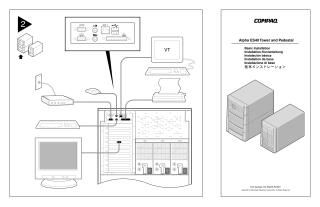
- Peripheral Connections (Step 2): Shows detailed diagrams of the rear ports of the Alpha ES40 system and how to connect various external devices, including monitors (one identified as a "VT" terminal), a keyboard, a mouse, network cables, and a printer.
Site structure and layout ©2025 Majenko Technologies