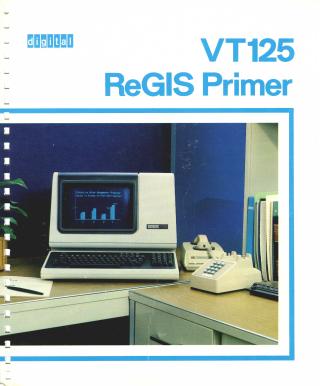
VT125 ReGIS Primer
Order Number: EK-VT125-GI-001
This document serves as a primer for the Digital VT125 graphics terminal, introducing the ReGIS (Remote Graphics Instruction Set) command set. Its main purpose is to guide users in creating and displaying graphics and text on the VT125 screen. The manual systematically explains how to use ReGIS commands for fundamental operations such as defining coordinate systems, controlling the graphics cursor, and positioning elements (absolutely, relatively, and with offsets). It details commands for drawing various graphical primitives including straight lines (vectors), closed figures, dots, circles, arcs, and different types of open and closed curves. Furthermore, the document covers text manipulation, allowing control over character size, height, tilt, italics, superscripts, and subscripts. It also delves into "write" commands that modify drawing attributes like line patterns, area shading, writing intensity, and modes (complement, erase, replace, overlay), as well as screen control functions such as clearing the screen, hardcopy output, scaling, background settings, scrolling, and time delays. The primer concludes with sections on creating macrographs and combining commands for complex graphics, supplemented by a command summary, programming examples, and a glossary.
Site structure and layout ©2025 Majenko Technologies